Apna Contacts
One private vault for every important number
Keep home and work contacts in separate vaults. Share a guest link for quick lookups, or invite view-only members — only owners can edit.
Multiple vaults
switch between home, shop, family
2 share modes
guest links & view-only members
“Finally everyone can find numbers without messaging the family group — and nobody can mess up the list.”
Ammar · Family owner
Product preview
See Apna Contacts in action
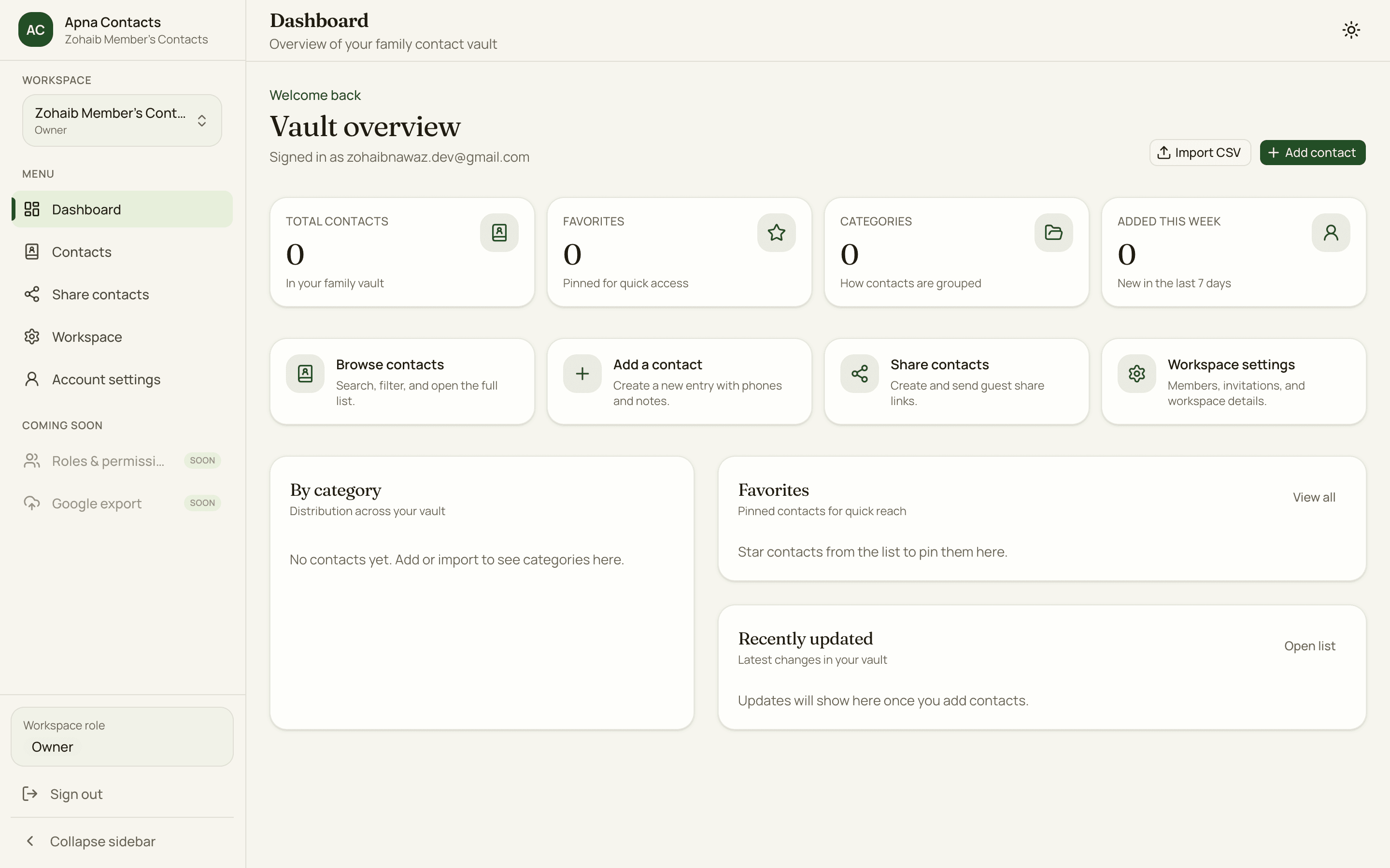
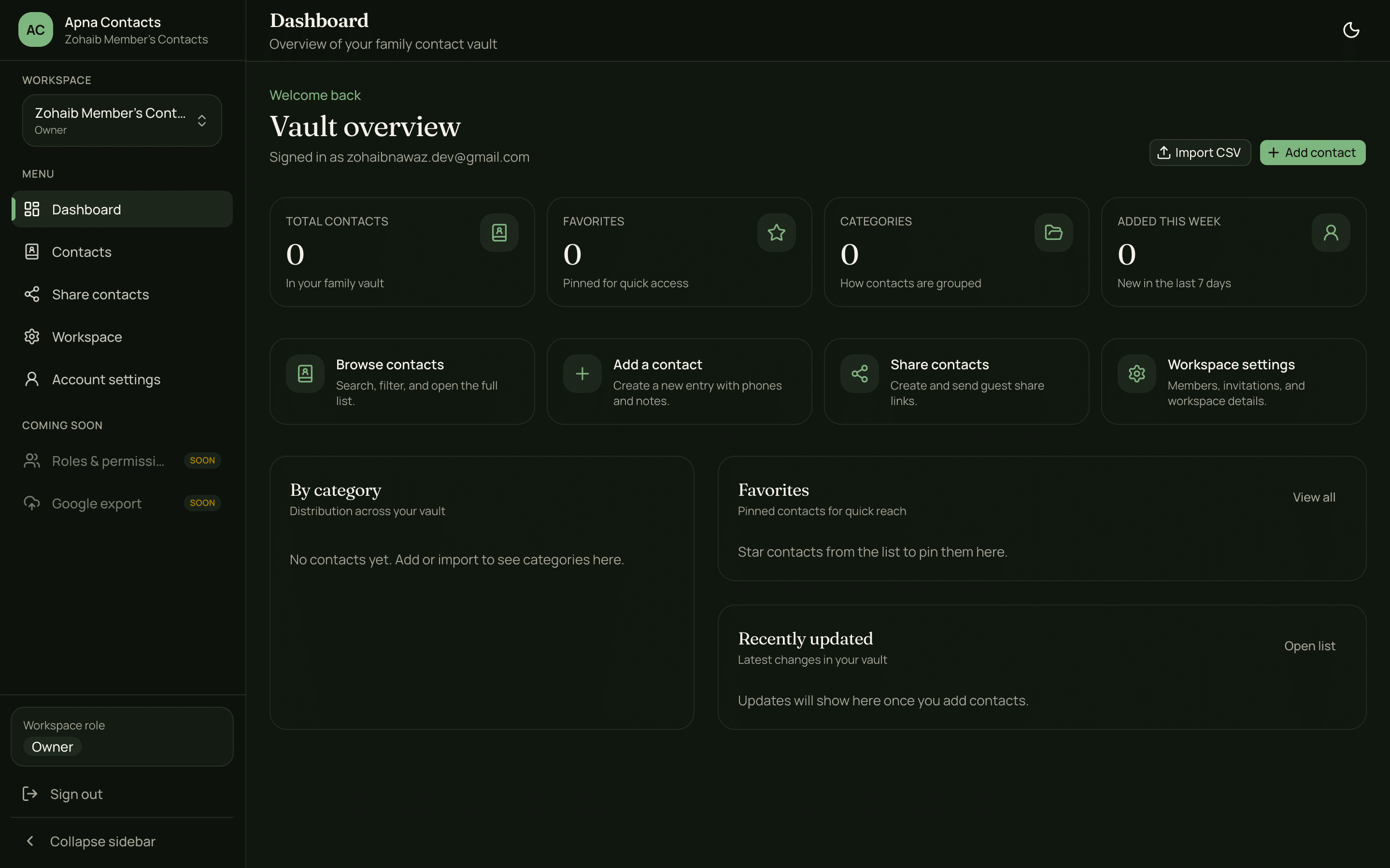
Dashboard, contacts search, and guest sharing — built for quick lookups on phone and desktop.
Apna Contacts — Dashboard
Built for shared contact books
Separate vaults. Share access safely.
Each vault has its own contacts, guest links, and members. Owners write; everyone else looks up — on purpose.
Separate books for home, shop, and family
Sign up and get a private contact vault. Add another for business or relatives — each keeps its own contacts, invites, and share links.
One account, many vaults
Switch between home and shop anytime. Numbers never get mixed up.
Owner writes. Others only view.
Only you can add, edit, import, or delete. Invited people stay view-only.
Invite to one vault only
An invite opens just the book you shared — your other vaults stay private.
Share contacts without an account
Create a secure link under Share contacts. Optional password, expiry, and revoke — ideal when family just needs numbers.
Password on the link
Protect the share link. Your own login stays private.
Read-only guest view
Guests search, call, WhatsApp, and copy. They cannot edit or invite others.
Revoke anytime
Turn off a link instantly. Create a new one when you need a fresh share.
Find anyone in seconds
Type a name, number fragment, or category and land on the right person before someone texts the group chat.
Name, phone, category
One search bar covers how households actually look numbers up.
Favorites & recent
Keep emergency and everyday contacts one tap away.
Built for mobile
Call, WhatsApp, and copy from clean contact details — no clutter.
Get started in minutes
Three steps. Vault ready.
1.
Start your vault
Sign up and get a private contact book. Add numbers or import a Google Contacts CSV.
2.
Share the right way
Guest link for quick view access, or invite a view-only member with a login.
3.
Everyone finds numbers
Family searches and calls. You keep ownership of every edit.
Your first vault is ready on signup — add more when home and work diverge.
One shared book.
Zero group-chat hunting.
Save contacts once per vault, share with a guest link or view-only member, and find anyone in seconds — at home, at the shop, or helping a parent over the phone.
Always on phone
Responsive UI with call, copy, and WhatsApp actions.
Vaults stay separate
Contacts, invites, and guest links stay inside each book.
Owner keeps the pen
Members and guests look up. Only owners write.
Coming soon
Features on the way
Multiple vaults, guest share links, and view-only invites are live. Next up: selective sharing and sync exports.
Selective number sharing
SoonChoose which contacts a guest link can see. Share a shortlist — not the whole vault.
Slug & hash request links
SoonLet people request contact updates via a private link — you review and save.
Export to Google Contacts
SoonPush a vault (or selected contacts) into Google Contacts so phones stay in sync.
Richer roles & permissions
SoonBeyond owner and view-only — editors and custom access when a vault needs more.
What people say
Simple, clean, and actually usable
“Finally, everyone in the family can find numbers without messaging the group — and guests can’t break anything.”
“CSV import with preview saved us a lot of time. Separate vaults for home and the shop keep things clean.”
“Clean UI, fast search, and view-only access means I can look things up without worrying I’ll edit something.”
Your questions
Frequently asked questions
Can I keep home and shop contacts separate?
Yes. Create more than one vault under the same account — for example home and shop. Contacts, members, and guest links stay inside each vault.
Is guest access safe?
Yes. Guest share links are read-only. Only the owner can add, edit, import, delete, or manage share links and invites.
Guest link vs member invite?
A guest link needs no account — open the link, optional password, view contacts. A member invite creates a login for that vault only, still view-only.
Can invited members see all my vaults?
No. An invite joins only the vault you shared. Your other books stay private.
Can I import from Google Contacts?
Yes. Owners upload a CSV, preview rows, then import into the vault you are using.
Does it work well on mobile?
Yes. Mobile-first search with quick call, WhatsApp, and copy actions.